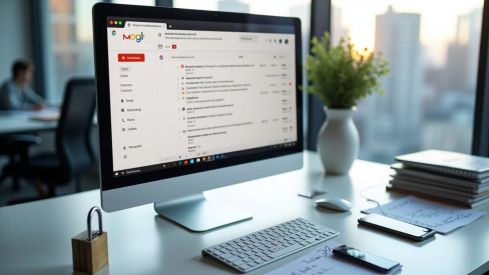
Gmail offers a system that allows users to identify which company has shared their personal data by using aliases in the email address. This feature, available for any account, consists of adding text after the username and before the at symbol. For example, [email protected].
How the alias works in Gmail
The system recognizes any email sent to an alias address as valid and automatically redirects it to the main account. It is not necessary to create new accounts nor are there security risks when using aliases, as only the identifier before the at symbol is modified. The method does not require advanced configurations or technical knowledge
In case of receiving spam directed to an alias address, it can be deduced that the data leak or sale originated from the platform where that alias was used. Gmail allows for automatic filtering of emails according to the alias, facilitating the management of unwanted or suspicious messages.
Limitations and traceability
Some companies automatically remove aliases when processing email addresses, which hinders traceability and the monitoring of potential leaks. However, the use of aliases does not alter the user's main address nor does it affect the functioning of email. All emails with aliases are redirected to the usual inbox
Alternatives with temporary accounts
In addition to the alias system, there are temporary email accounts that provide valid addresses for a period of 10 minutes to 24 hours. These services generate random addresses to receive messages for a limited time and allow access to verification codes or to perform registrations without exposing personal email
When using temporary emails, the main address is not stored in third-party databases. This option is useful for those seeking greater privacy in specific registrations or trials of digital services.